Designing the world’s most popular mobile job search experience
Indeed capitalized on the rapid adoption of mobile devices as desktop growth plateaued, gaininig a major new source of engagement.
By 2014, over half of all job searches on Indeed were performed on mobile devices.
A leader in top markets worldwide, Indeed served more job seekers on mobile devices in more countries than any other single company.
As the only designer at Indeed when the iPhone was released, I was responsible for designing all the mobile experiences for the web and our native applications. I was also a code committer, frequently writing front-end code for mobile experiences.
Here are some examples of how I contributed to Indeed’s success by customizing mobile workflows, optimizing mobile UIs, increasing distribution through by creating the iOS app, and addressing job seeker feedback.
Customizing mobile workflows
While designing the mobile website, I realized simply recreating the desktop experience for phone-sized screens wasn’t sufficient.
Not only did many jobs require a resume (and mobile users were unlikely to have a resume on their phone), most job applications had complex UIs and were not optimized for display on mobile devices.
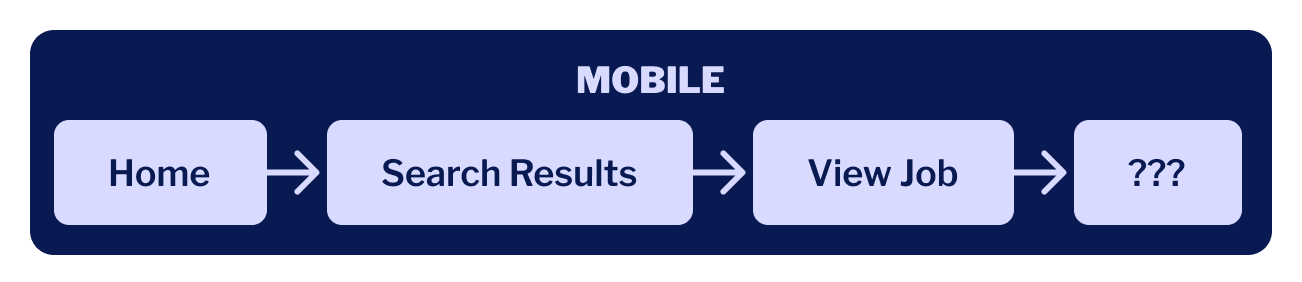
Soon, job seekers would be able to find jobs on their phone, but then what?Mobile job seekers would be disappointed because they couldn’t apply to most jobs on their phones.
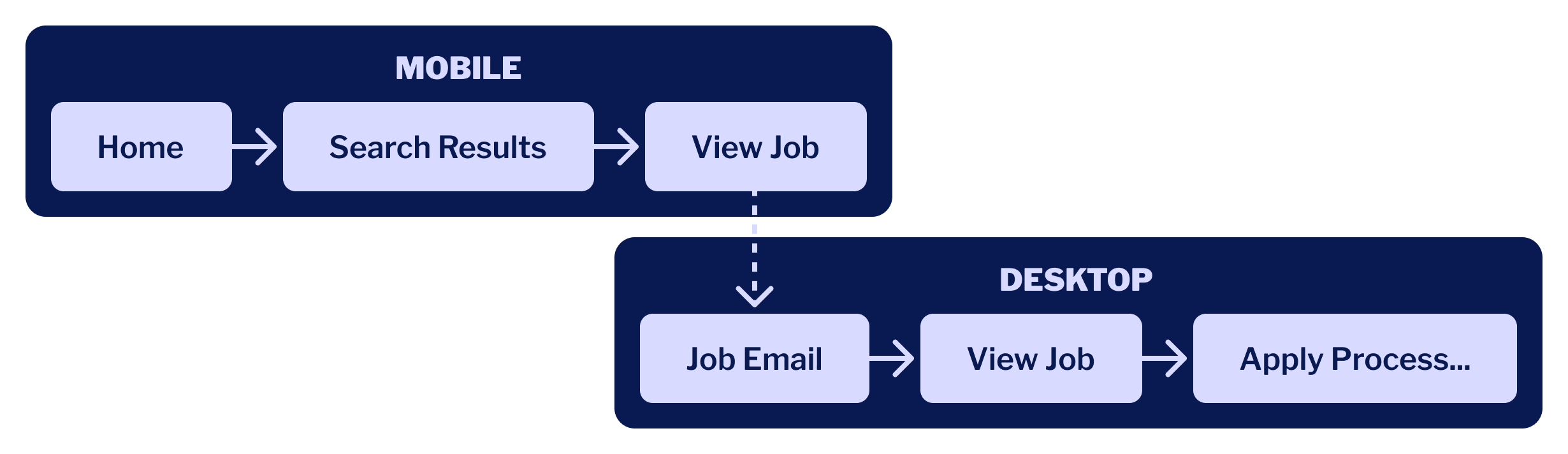
Job seekers would need to get from the dead-end mobile experience to desktop, where they could actually apply to that great job they found.
The plan was to launch a simple mobile website quickly then iteratively improve it, many features wouldn’t be available, and initially users wouldn’t be able to log into their accounts. Saving jobs, a feature available to job seekers on desktop devices, wasn’t an option.
The fastest and simplest way to get mobile users from their phones to desktop was to introduce a different desktop feature: emailing jobs.
My familiarity with the email job functionality on desktop allowed me to quickly design and implement this feature for our mobile users, reusing much of the same UI and async backend calls.
The first mobile job search experience encouraged job seekers to email themselves jobs, so they could complete the application process from a desktop computer.
Results
Analytics showed jobs emailed from mobile drove a significant amount of traffic to the Indeed desktop website, then to 3rd party sites where job seekers could apply. Emailing jobs from mobile became more popular than desktop (even though there were significantly fewer users).
Applying to many jobs from mobile devices remains a challenging problem. See Job Application Experimentation on iOS for an in-depth case study on an experiment to improve the job application experience for mobile app users.
Optimizing mobile UIs
We decided mobile job seekers should stay on Indeed when they clicked on a search result to get a fast-loading, mobile-optimized job details page – which was great – but we formatted job information poorly.
Most of the jobs in our search results were found by crawling 3rd party websites, a process that didn’t preserve markup and retained very little formatting information, so at display time job descriptions often looked like a blob of text.
The formatting of job descriptions didn’t represent the job well.
Since desktop users rarely saw job descriptions on Indeed, improving the formatting hadn’t been a high priority issue to address. Now that mobile job seekers were regularly seeing jobs displayed this way, I recognized this needed improvement.
I manually looked through job descriptions, identifying a small number of common issues that if addressed would improve the reading experience.
Then I wrote a about a dozen regular expressions in JavaScript to transform the job description HTML, and ran an A/B test to understand the impact improved formatting had on job seeker behavior.
Comparison of job descriptions in control and test groups.
Results
Test results indicated higher engagement when job seekers viewed jobs with the improved formatting.
Based on the success of my test, a new backend system was developed to apply this formatting on both mobile and desktop View Job pages, and is the reason why 3rd party jobs are formatted well on Indeed today.
Designing & developing the iOS app
As native apps were increasing in popularity, Rony Kahan (Indeed’s co-founder) wanted to see if job seekers would use an Indeed iPhone app. Since I was the only person in the office with a Mac, he asked me to develop it.
This was a challenge since I had no experience writing Objective-C and didn’t even have an iPhone, but Rony seemed confident I’d figure it out, so I thought I should at least try.
Even with my lack of experience, I was able to take a simple prototype and update it with enough features to make it usable, including designing and adding navigation controls, handling networking errors, and providing geolocation functionality.
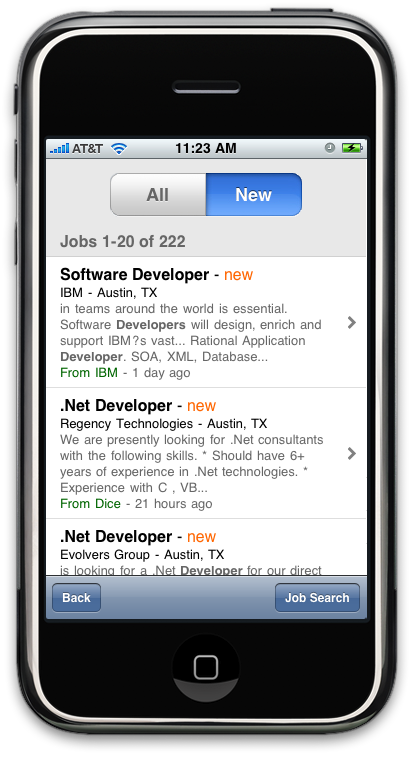
Job search results page, Job Search 1.1
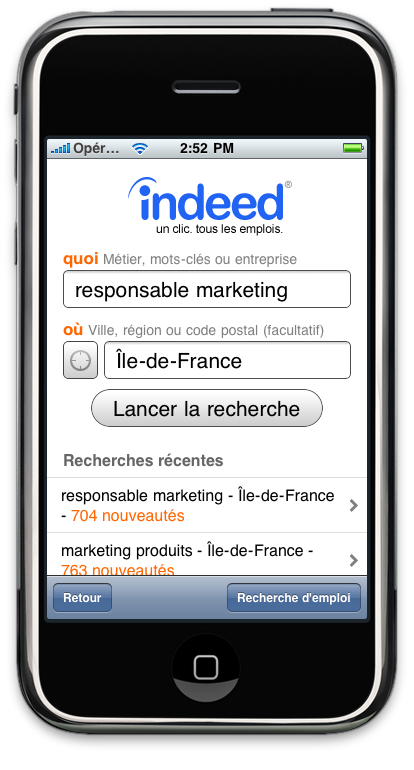
Immediately after the initial launch of the app, to support more job seekers I added support for other countries we served, which required identifying and storing which Indeed country site the app should default to at launch, and the internationalization and localization of the app.
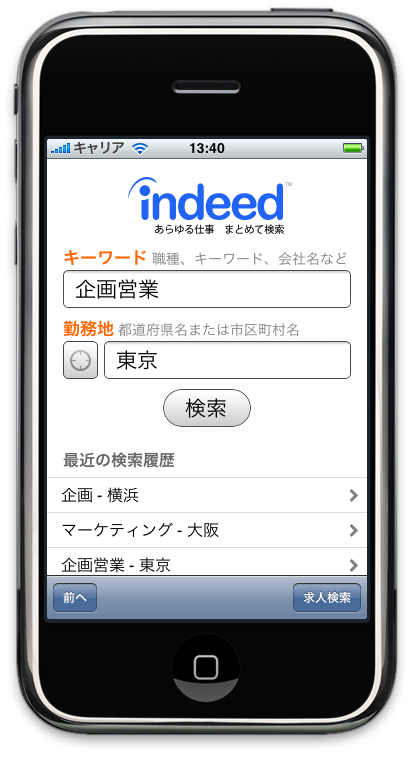
Example homepages for France and Japan
Results
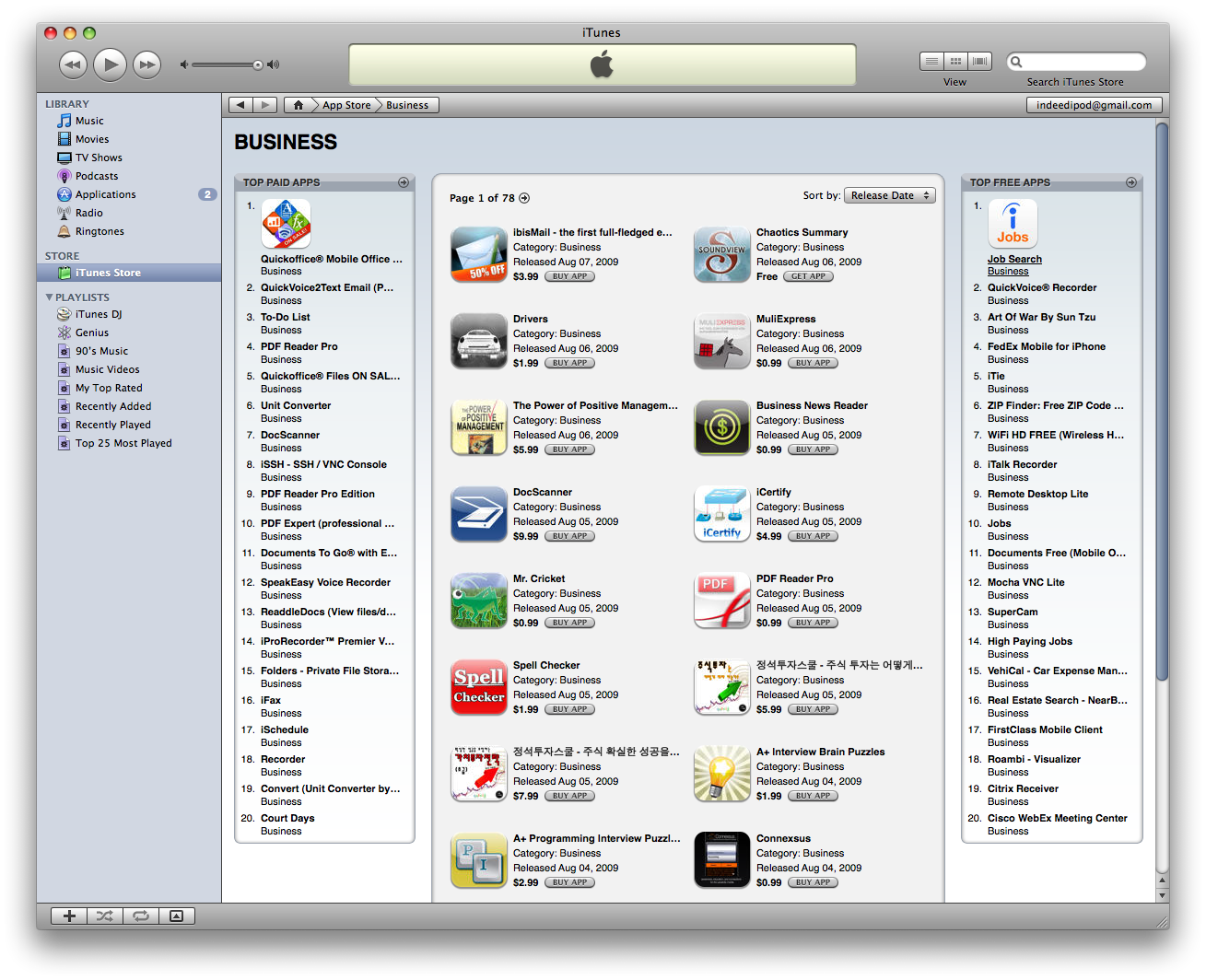
The release of the iOS app doubled our mobile traffic, and was frequently one of the top free business apps in the App Store in the U.S. and internationally.
The versions I built were used by millions of job seekers worldwide, and I remained the sole iOS developer for several more years.
This may be one of the earliest examples of Job Search hitting #1 in the App Store (Aug 9, 2009).
Addressing job seeker feedback
While our app was popular and most of our App Store feedback was positive, at one point a small number of job seekers complained their searches weren’t returning any jobs.
Someone realized these were Canadian job seekers mistakenly using the US version of Indeed, which often returned zero results for locations in Canada:
★☆☆☆☆ This app is garbage! I would give zero stars if I could. There’s no jobs in Calgary?
Example of negative comments we were getting in the App Store
The PM I was working with suggested we ask job seekers to select their country when they first launch the app.
While this solution would work, it would also mean asking everyone in the world a question we nearly always knew the answer to. We hadn’t determined the exact size of the problem, but based on the low number of comments, it seemed like an infrequent occurrence.
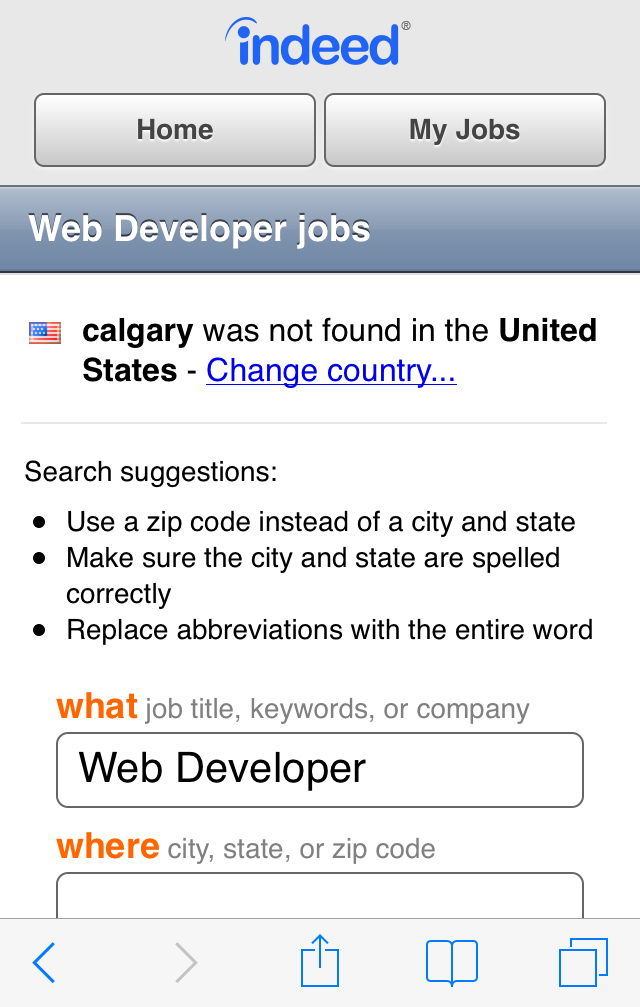
Instead, I proposed we use a solution we had already developed on desktop: when a job seeker searched for a location in the wrong country, we should suggest they switch countries.
While this solution meant some users would still experience the problem, they would only experience it once, and all other job seekers would not be bothered. Plus, it would add a feature that already existed on desktop, increasing parity across platforms.
The out-of-country suggestion, shown at the top of this webpage, was available on desktop web and ported to mobile web and app experiences.
Result
A/B testing demonstrated this problem occurred for an extremely low number of job seekers per day (think dozens), and the solution successfully stopped the complaints we were receiving.
Since the search results page was the same in the app as on the mobile website, it helped website job seekers as well.
Summary
When Indeed started building experiences specifically for mobile job seekers, we started from nothing, beginning simply with a small number of use cases and iteratively adding functionality.
I provided designs or oversaw everthing we added to the mobile experience, like support for job search filtering, account creation and access, saving jobs, mobile apply processes, resume creation and editing, company reviews – eventually reaching parity with the desktop site.
A couple of other notable examples include:
I pushed for the first monetization effort on mobile, initially adding Google AdWords to generate revenue with the belief that if we started making money on mobile, I’d be able to spend more time on it. Eventually we had enough mobile-applyable sponsored jobs we were able to show those instead.
Mobile didn’t just adopt desktop features, one of the most popular job search features was influenced by mobile design decisions. On desktop, each recent job search displayed two links: one returned all jobs, and one returned jobs posted since a job seeker’s last visit. Displaying both was problematic on mobile – there just wasn’t enough space. Instead, I designed, developed, and A/B tested a single dynamic link which would show new jobs when they were available, and if not, defaulted to returning all jobs for the search query. This performed well, was rolled out on both mobile and desktop, and has been the behavior of recent searches ever since.
Through consistent iteration, effort, and our commitment to being the most comprehensive source for jobs regardless of device, our approach to mobile was incredibly successful.
By 2014, over 50% of job searches were from mobile devices, becoming the most popular way for job seekers to find jobs using Indeed.